Disclosure: links to Booth.Events in this post are my referral link. If you sign up through it I may get a referral reward, at no extra cost to you. I only recommend it because it is what I run my own booths on.
Travel router update (November 2026): the setup in this post works with any GL.iNet travel router, and these are the current models I recommend for photo booths:
- Beryl 7 (GL-MT3600BE): my go-to. Compact dual-band Wi-Fi 7, two 2.5G Ethernet ports and USB-C power, so it runs off the same power bank or charger as the rest of the booth.
- Slate 7 Pro (GL-BE10000): tri-band Wi-Fi 7 for big events with several booths, iPads and print servers on one network.
- Mudi 7 (GL-E5800): 5G cellular with a battery and touchscreen, for venues with no usable WiFi at all.
Shop the current lineup through my GL.iNet link (affiliate). The steps and settings in older posts still apply; menus on newer firmware may look slightly different.
People ask me all the time what software runs my photo booths. The short answer is Booth.Events. It runs on the iPads at every Murphy's Memories event, and it has the best price-to-features ratio I have found. Here is how I actually use it, from booking to the last shared photo.
The basic setup
Each booth is an iPad running the Booth.Events app. For prints, I run their print server app on a laptop connected to DNP dye-sub photo printers, the same kind of prints you would get from a photo lab that last for years. A small travel router gives the iPads, laptop and printers their own local network, so the booth keeps working even when the venue WiFi does not. (I wrote more about that part in My setup for WIFI/printing at events and Using Venue WiFi.)
Everything else, from templates and branding to galleries and sharing settings, I set up ahead of time in the web dashboard. When I get to the venue, I launch the event on the iPad and it is ready to go.
Templates that keep the line moving
For a classic booth I like three photos on a postcard-style print. It gives guests the most fun for the time they spend in the booth, so the line keeps moving. I design the template once, add the client's names, date and colors, and reuse it as a starting point for the next event.
AI photos and live photo stickers
This is where Booth.Events really sets my booth apart. I write custom AI prompts that turn a guest's photo into a themed portrait, such as a spooky Halloween look for this fall's trunk-or-treat events. Guests love seeing themselves transformed, and the custom prompts mean the theme matches the event instead of a generic filter.
I also use it for live photo stickers: guests take a photo and walk away with a sticker of it a minute later. It is a great fit for schools, proms and family events.
Instant private galleries
Every guest can get their photos right away by text, email or QR code, and each person gets a private gallery of just their own photos instead of scrolling through everyone else's. Most guests choose text. After the event, the host gets the full event gallery to download and share.
What it looks like at a real event
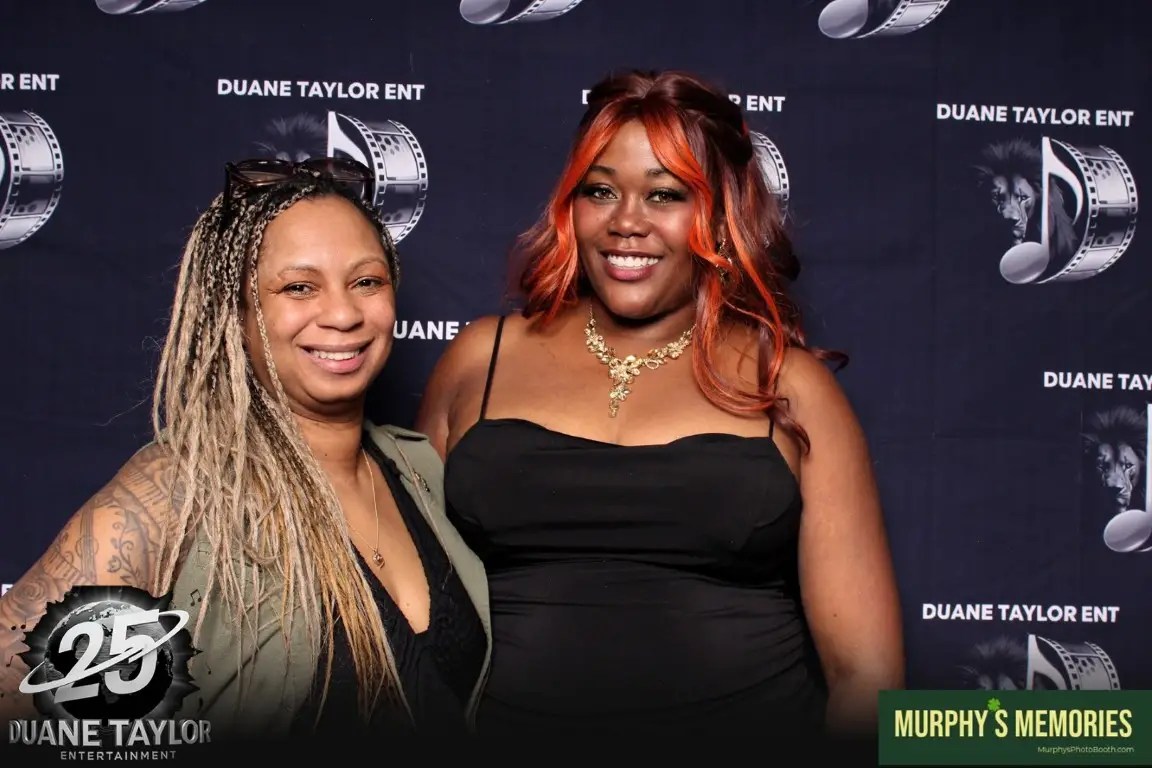
This fall I ran AI photo booths at the Ogden Trunk or Treat and at Performance Dance Center's Trunk or Treat. Between those two nights, guests made close to a hundred AI Halloween portraits and around 95 photo sessions, and most of them were texted straight to guests' phones and shared from there. Because I could see the photos coming in and the print and AI status from the dashboard, I spent my time helping guests instead of babysitting the gear.
Why I recommend it
- It runs on iPads you may already own, so getting started is affordable.
- Custom AI prompts and stickers give you something most booths in your area do not offer.
- Private galleries and text sharing get your branding onto guests' phones and social media.
- The print server works with professional DNP printers for lab-quality prints.
- New accounts get their first few events free to try it out (check the current offer when you sign up).
Try it yourself
If you run a photo booth business or are thinking about starting one, give it a try with my link. And if you are in central Iowa and want help setting up your booth, printers or event WiFi, get in touch.
Need help getting your booth app and iPads dialed in? Get a real technician in your corner. I work with Photo Booth Support, which offers 24/7 technical support for booth operators by phone, chat and remote access for software, printer and camera issues. Plans are per booth and month-to-month: Emergency covers live-event emergencies around the clock, and Premium adds scheduled non-emergency help and training on your software. There are also setup and training appointments.
Want one-on-one help with a custom setup? I also do custom consulting for photo booth operators.
Do your own homework: This post shares what has worked for me, but software, firmware and hardware change all the time. Before you change settings, install anything or buy gear, research it yourself and read the official manuals and support documents for your exact model and version. Test everything well before an event. This is the internet: I accept no liability for any mistakes, damage, data loss or missed shots that come from following this post. Use it at your own risk.
One thought on “How I Use Booth.Events to Run My Photo Booths”