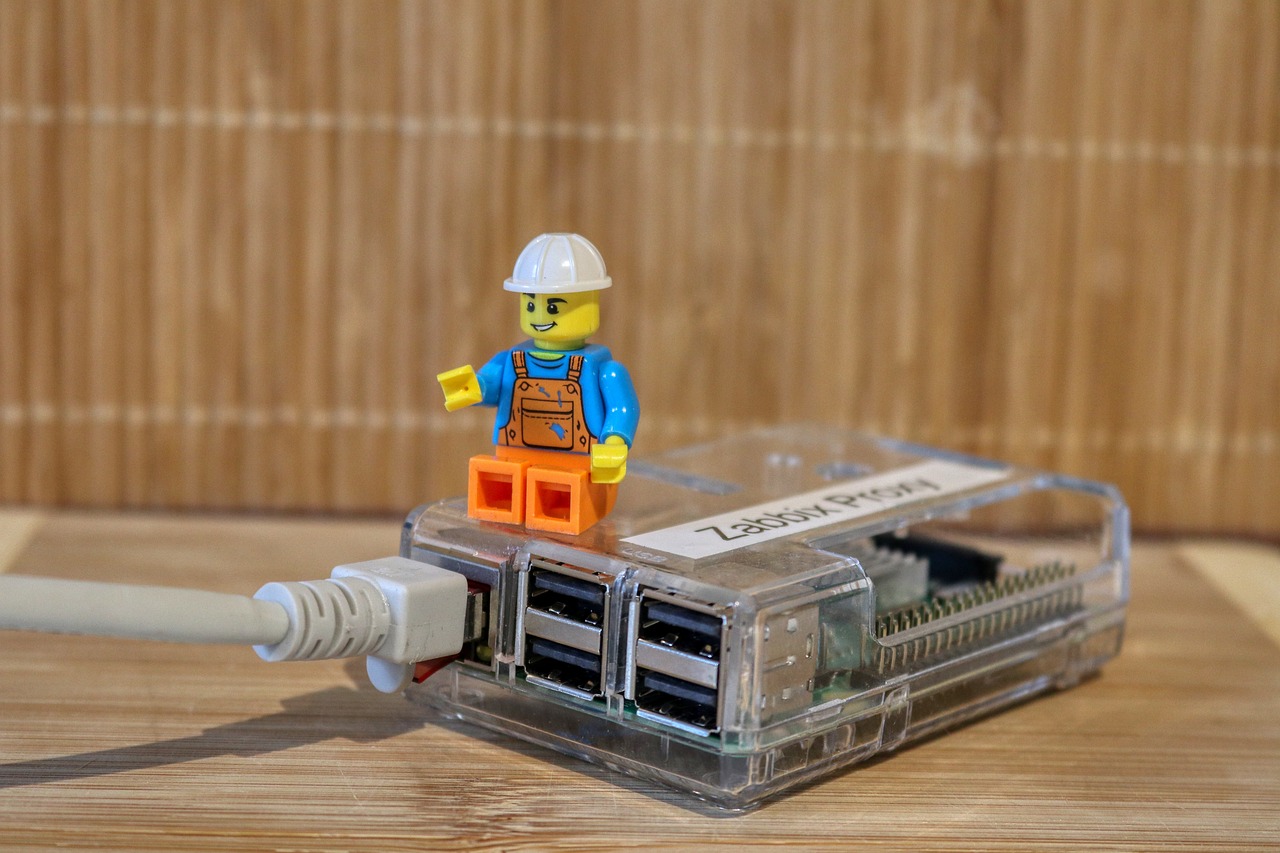
Originally published May 6, 2024 on my old blog, Murphy Things, and moved here in November 2026. Some product details and prices may have changed since it was written.
- WCM Plus is a raspberry pi 4, (This is based off port layout/observation)
- AirCastPro 2 express/3 is the orange pi 5 (This is based off port layout/observation)
- OG AirCastPro and non-express 2 is a Raspberry Pi 3b (This is based off teardown)
- DNP WCM1/2/v3 is an Orange Pi Zero LTS (This is based off teardown)
- Roll your own using CUPS and GutenPrint.
- And the best is to use a Windows laptop/tablet as a print server. You can then use it as a sideshow server, pooling, and more. RTFM of your photobooth app for their directions.
As you can see, the prices these sell for are well over the stock price for the hardware, please support the vendors/programmers in buying what works for your business needs.
- The WCM Plus appears to be designed by TouchPix based off their exclusive print server
- The OG WCM was made by the creator of the AirCastPro, then it looks like DNP shifted to a different Linux platform builder. (If someone has the tea, reach out to me!)
- These are all based off a Raspberry Pi or other clone/SBC (Single Board Computer) and using CUPS with GutenPrint, just with a more user friendly interface and some polishing/optimizing behind the screens. To check this go to IPAddressOfSErver:631 (192.168.4.1:631 for example) or use a port scanner to see what’s exposed and test ports fir the presence of CUPS.
Printer acting up the night before an event? Get a real technician in your corner. I work with Photo Booth Support, which offers 24/7 technical support for booth operators by phone, chat and remote access for software, printer and camera issues. Plans are per booth and month-to-month: Emergency covers live-event emergencies around the clock, and Premium adds scheduled non-emergency help and training on your software. There are also setup and training appointments.
Want one-on-one help with a custom setup? I also do custom consulting for photo booth operators.
Do your own homework: This post shares what has worked for me, but software, firmware and hardware change all the time. Before you change settings, install anything or buy gear, research it yourself and read the official manuals and support documents for your exact model and version. Test everything well before an event. This is the internet: I accept no liability for any mistakes, damage, data loss or missed shots that come from following this post. Use it at your own risk.