Originally published January 6, 2022 on my old blog, Murphy Things, and moved here in November 2026. Some product details and prices may have changed since it was written.
DSLRBooth is to Darkroom Booth like Snorkeling is to Scuba Diving.
What I use and why I use it. With a little bit of my kit mixed in.
I use DSLRBooth, but have also checked out Darkroom and many other apps. Here’s a rundown of my setup:
- T11 Type shell (trades some Razer Edge tablets for it ~$800 value)
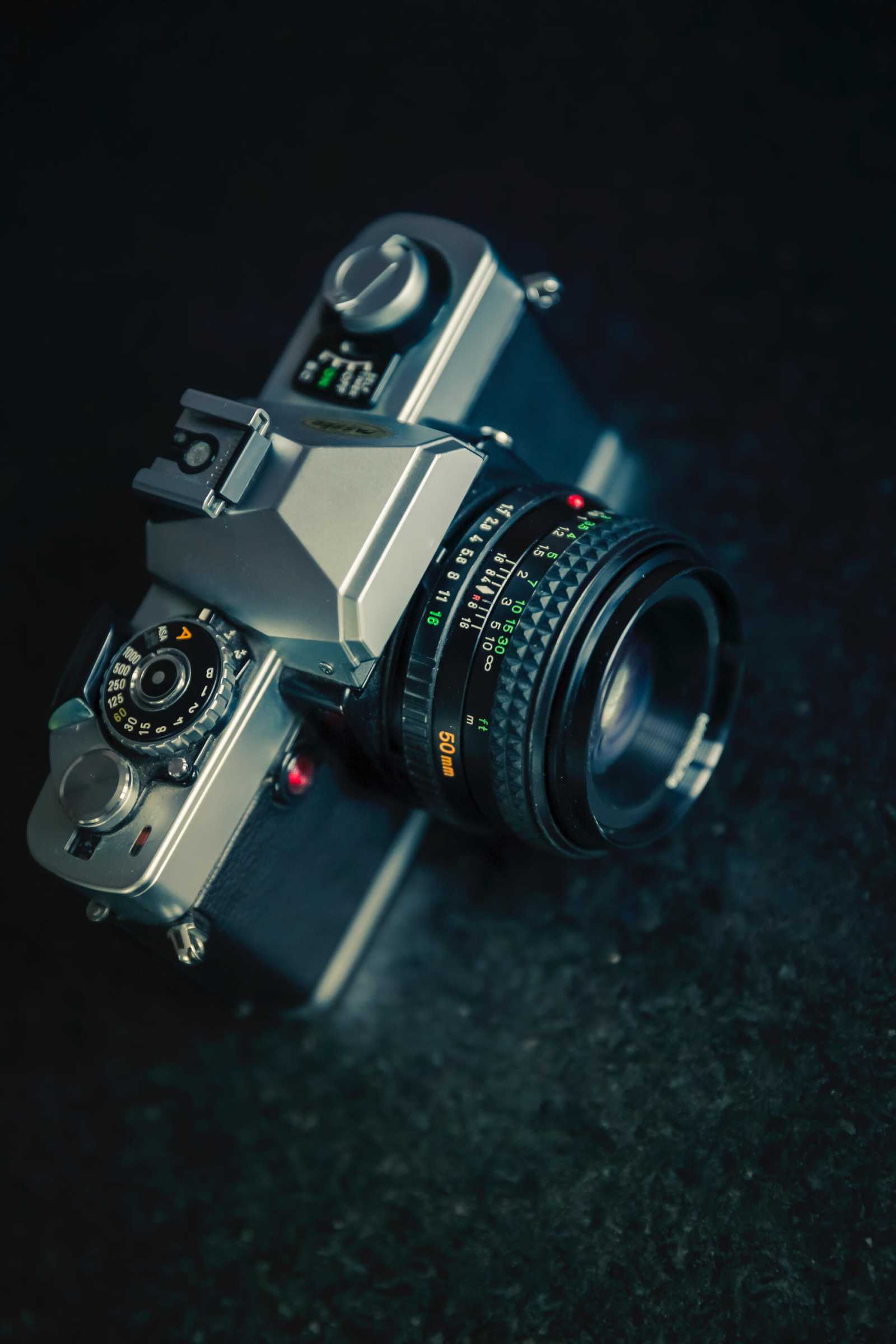
- Canon t2i, with a t3i as backup ($150/$200 used)
- DNP RX1 (With HS firmware upgrade)
- Props, tables, table covers, studio strobe, cables galore, etc.
The vast majority of my gear was bought used, in trade, or I liquidated some of my IT Stuff to make purchases. Oh, and this one time I found a ladies purse with $2K or so in it, returned it after some detective work on it’s contents (no direct ID was in it) and used the reward money to purchase my strobes. She had rent and a car payment in there.
Anyhow, I landed on using DSLRBooth for the following reasons:
- Built in editor does layers and 99% of what I need.
- Buttons, flow, etc are all set in the flow I wanted.
- One time cost + Yearly maintenance fee was in my budget.
- Green Screen, overlays, gif overlays, etc. were all easy to implement (for me)
- Integration with anything I could aim at it’s output folders (more on this later)
- SMS/Email integration
- Many more, please RTFM
This was after using demos, joining the user groups for many photobooth apps, RTFM, and the fact that my first client (my church) was footing the bill.
If you’ve read this far, you know I can support and provide help on many of the photobooth apps, because if it’s running on Windows of macOS, it’s all relative to me, and I RTFM.
So that’s snorkeling with DSLRBooth, you want to know about Scuba Diving?
Darkroom Booth (and their other apps) hit a wider target of features, but with that comes the need for you, the operator, to do more setup, configuring, and all that. BUUT.. Once it’s setup, you’re set for a great client experience. Almost every aspect where DSLRBooth isn’t configurable, Darkroom is. I own Darkroom Booth V2 and have tested V3, and it is the higher end way to go. IMHO it’s only shortcoming is the file output abilities isn’t as easy as DSLRBooth. But hey, we’re scuba diving. Please check it out.
Also, as far as RTFM, Darkroom made it super easy! Boothmanual.com Is some of the best documentation I’ve seen for a photobooth app.
For sharing I prefer to use LA Photo Parties’ Photo Party Upload (PPU) It’ll watch an output folder, printing only events are free, microsite is on point for my brand, does a killer slideshow for free, and lets me setup Windows or iPad sharing stations away from the booth, increasing my sessions per hour. Also has some good documentation for those that RTFM
Need a hand with your photo booth? Get a real technician in your corner. I work with Photo Booth Support, which offers 24/7 technical support for booth operators by phone, chat and remote access for software, printer and camera issues. Plans are per booth and month-to-month: Emergency covers live-event emergencies around the clock, and Premium adds scheduled non-emergency help and training on your software. There are also setup and training appointments.
Want one-on-one help with a custom setup? I also do custom consulting for photo booth operators.
Do your own homework: This post shares what has worked for me, but software, firmware and hardware change all the time. Before you change settings, install anything or buy gear, research it yourself and read the official manuals and support documents for your exact model and version. Test everything well before an event. This is the internet: I accept no liability for any mistakes, damage, data loss or missed shots that come from following this post. Use it at your own risk.