Disclosure: some links in this post are my referral, partner or affiliate links. If you sign up or buy through them I may earn a reward, at no extra cost to you.
"I set my photo slots to 548x365, so why do my prints look cropped?" is a question that comes up constantly. Almost every case comes down to size and aspect ratio.
Start with the right canvas
- 4x6 print: 1800x1200 pixels at 300 DPI (landscape) or 1200x1800 (portrait).
- 2x6 strips: design a 4x6 with two strips side by side and let the printer cut it, or 600x1800 for a single strip.
- Always 300 DPI for print.
Match the photo slot to the camera
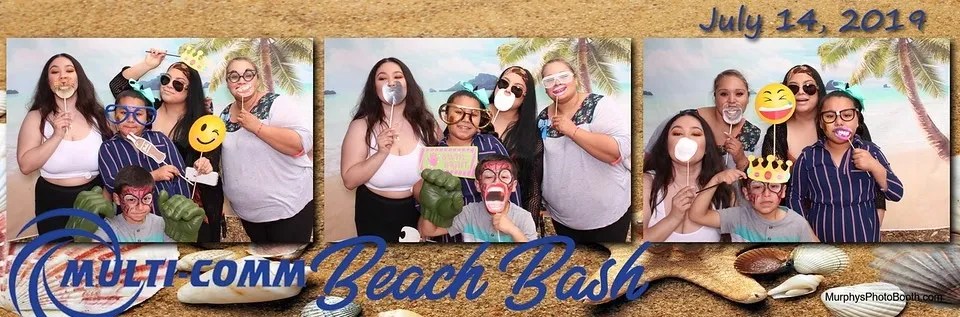
Most cameras shoot 3:2 (or 4:3 on iPads). If your photo slot is a different shape, the app has to crop the photo to fit. A 548x365 slot is 3:2, so a 3:2 photo fits it exactly; a square or 4:3 slot will crop. Pick slot sizes with the same aspect ratio as your capture, or set the capture crop to match the template.
Why the print and the digital copy differ
- The digital share and the print can use different outputs: the template version, the original photo, or a preview. Check which output your app sends for sharing versus printing.
- Orientation matters: a landscape photo dropped into a portrait slot gets cropped heavily.
- Printers add a little bleed. Keep text and faces away from the outer edge.
In Booth.Events, check your template and sharing settings, including the preview options, before blaming the printer. My free DSLRBooth template guide walks through building a 4x6 template with free tools.
Have a question I did not cover? Ask in one of the Facebook photo booth groups I belong to.
Printer acting up the night before an event? Get a real technician in your corner. I work with Photo Booth Support, which offers 24/7 technical support for booth operators by phone, chat and remote access for software, printer and camera issues. Plans are per booth and month-to-month: Emergency covers live-event emergencies around the clock, and Premium adds scheduled non-emergency help and training on your software. There are also setup and training appointments.
Want one-on-one help with a custom setup? I also do custom consulting for photo booth operators.
Do your own homework: This post shares what has worked for me, but software, firmware and hardware change all the time. Before you change settings, install anything or buy gear, research it yourself and read the official manuals and support documents for your exact model and version. Test everything well before an event. This is the internet: I accept no liability for any mistakes, damage, data loss or missed shots that come from following this post. Use it at your own risk.